Unlocking Results
Results can be unlocked and downloaded as soon as the election is Finished.
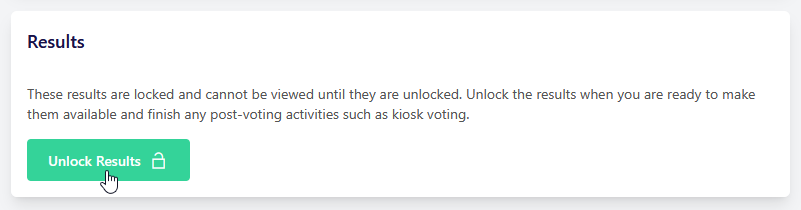
To unlock the results, navigate to the Results section of the election, then click the green Unlock Results button.
Only Super Users and users with Full Access to the Results permission can unlock the results of an election.
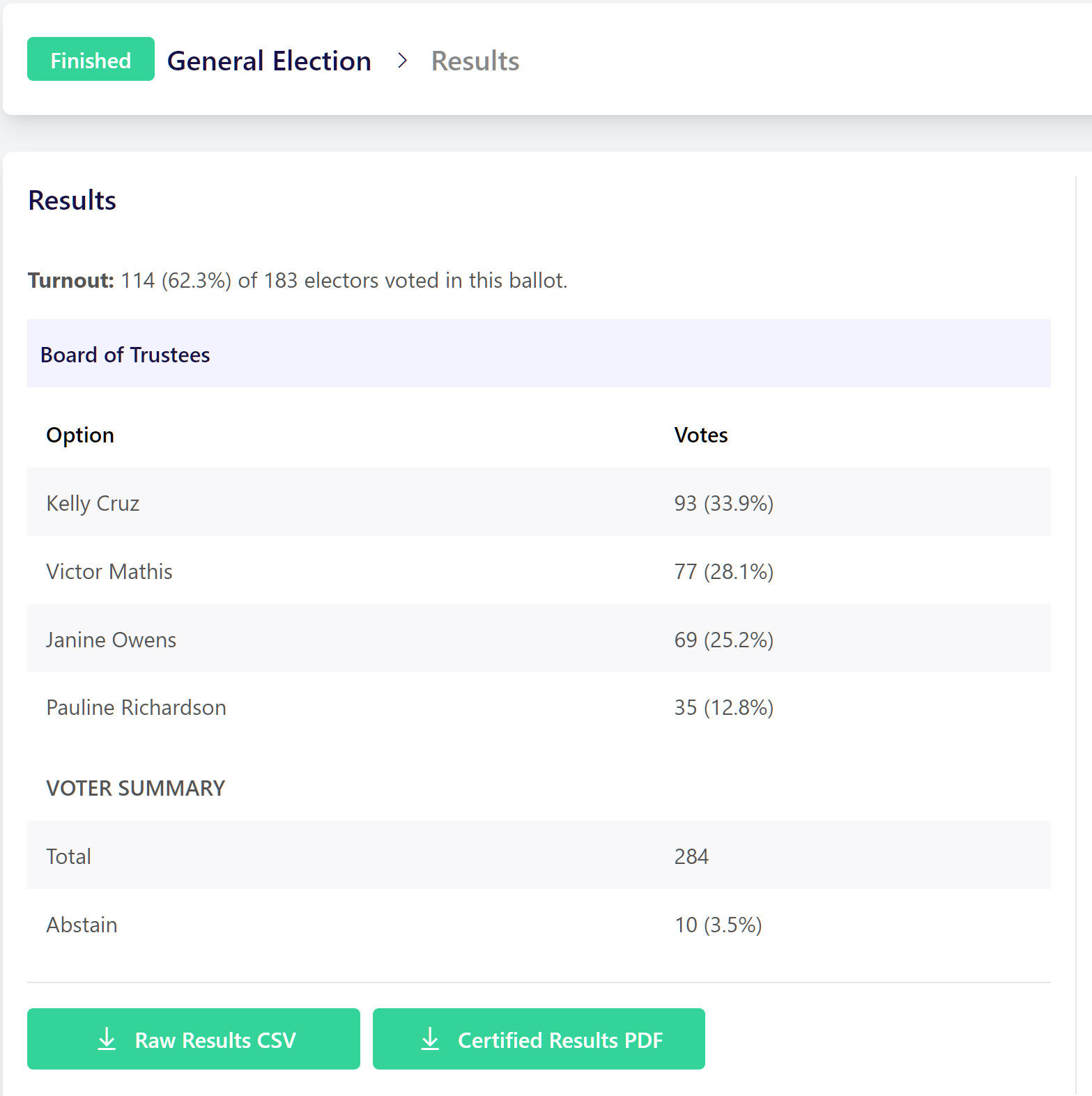
Once unlocked, the results are immediately shown on screen for review.
Your organization makes the final determination about interpreting results collected from the Voting System, and whether any additional steps or considerations are required (e.g. managing run-offs or breaking ties for plurality elections, or determing whether candidates accept their position(s) or if runner-ups are eligible for any position(s), or determining if a resolution or some item passes by a specific or arbitrary margin such as 66% approval, or 75% approval, etc.)
Downloading Results
To download a certified results PDF file with the entire summary of your results as it appears on the Results page, click the 🠗 Certified Results PDF button at the bottom of the page.
To download your results in a CSV file to further organize or sort the results data in a common spreadsheet software, click on the 🠗 Raw Results CSV button at the bottom of the page. Each row in the file is a voter.

Some advanced features on your account may grant you access to additional results reports.
Downloading Comments
If your election contained at least one comment box question, any collected comments will be available from the Results section. Voter comments by default are anonymous and divorced from other questions.
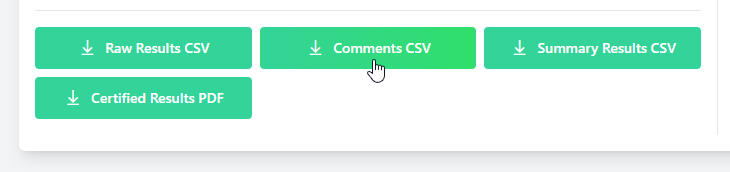
To review comments, click on the green Comments CSV button at the bottom of the Results page. You may organize or sort the comments data in a common spreadsheet software.
Publishing Results
You may optionally publish the results of the election to your voting website at any time.
If results are published, anyone will be able to view the results summary and verify the results by downloading a file containing votes and receipt numbers.
This serves as a Voter-Verified Audit Trail (VVAT), an independent verification system designed to allow voters to verify that their vote was cast correctly, to detect possible election fraud or malfunction, and to provide a means to audit the stored electronic results.
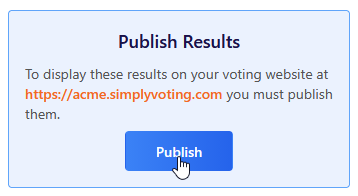
To publish results, click the blue Publish button on the Results page.
Only Super Users and users with Full Access to the Results permission can publish the results of an election.
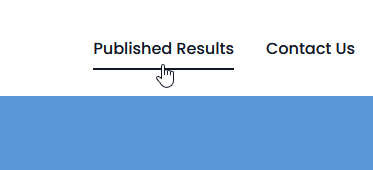
Once published, results can be viewed by anyone from the Published Results section of your voting website.
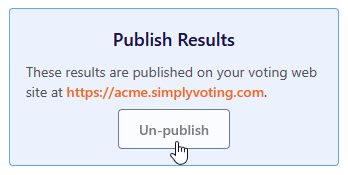
You can un-publish election results at any time by clicking the white Un-publish button on the Results page.